Overview of Top Architecture Software
Architecture software plays a crucial role in the design and construction process for professionals in the field. These specialized tools help architects and designers create detailed plans, visualize projects in 3D, and streamline their workflow for increased productivity.
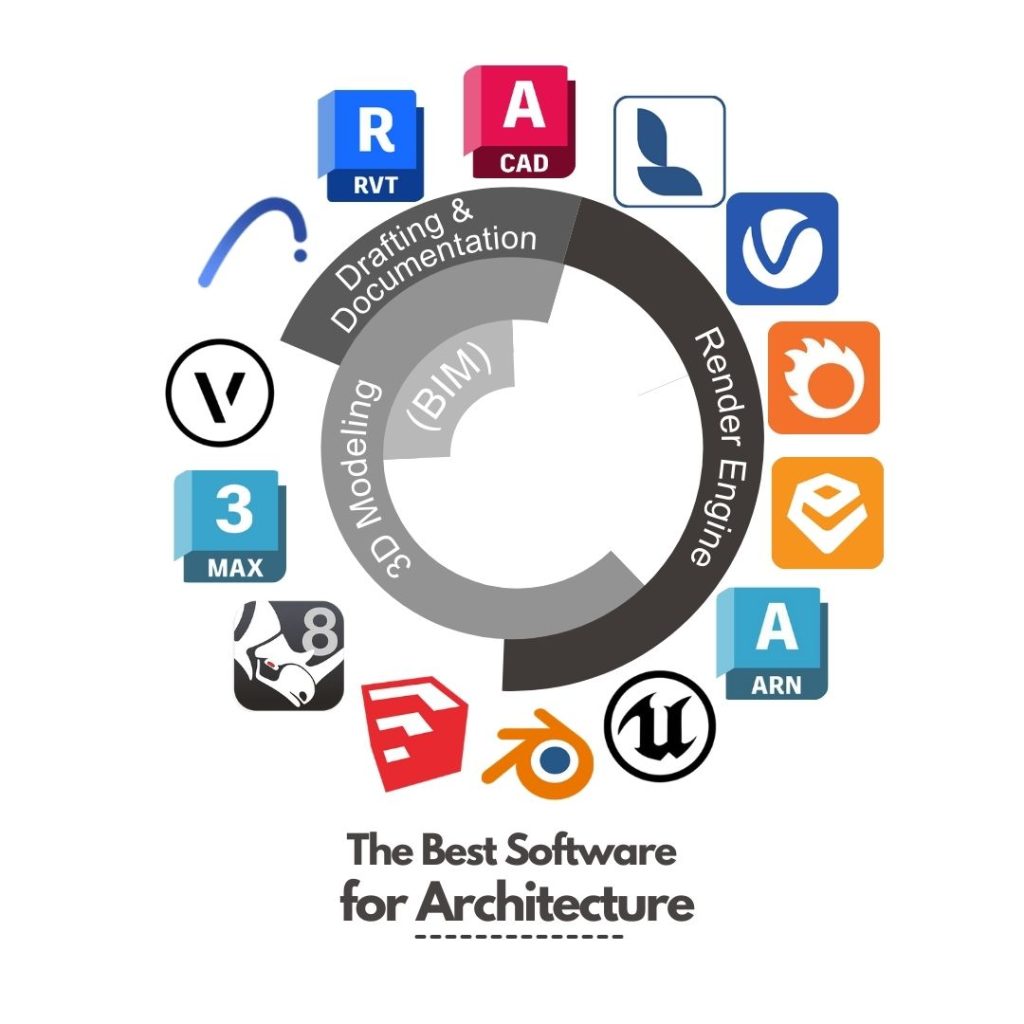
List of Top Architecture Software:
- AutoCAD Architecture: A powerful software for drafting and documentation, specifically tailored for architects.
- SketchUp: Known for its user-friendly interface and 3D modeling capabilities, ideal for conceptual design.
- Revit: Enables collaboration and information sharing among project teams, with advanced BIM features.
- ArchiCAD: Offers a comprehensive set of tools for architectural design, from concept to construction documentation.
Importance of Using Specialized Software in Architecture Projects:
Specialized architecture software provides architects and designers with advanced tools and features tailored to their specific needs. These programs allow for precise design and modeling, accurate documentation, and efficient collaboration with project stakeholders.
How Architecture Software Enhances Workflow and Productivity:
- Streamlines Design Process: By automating repetitive tasks and providing templates, software helps architects work more efficiently.
- Enhances Visualization: 3D modeling and rendering capabilities allow professionals to create realistic representations of their designs.
- Promotes Collaboration: With cloud-based platforms and BIM integration, software facilitates communication and coordination among project teams.
Features and Capabilities
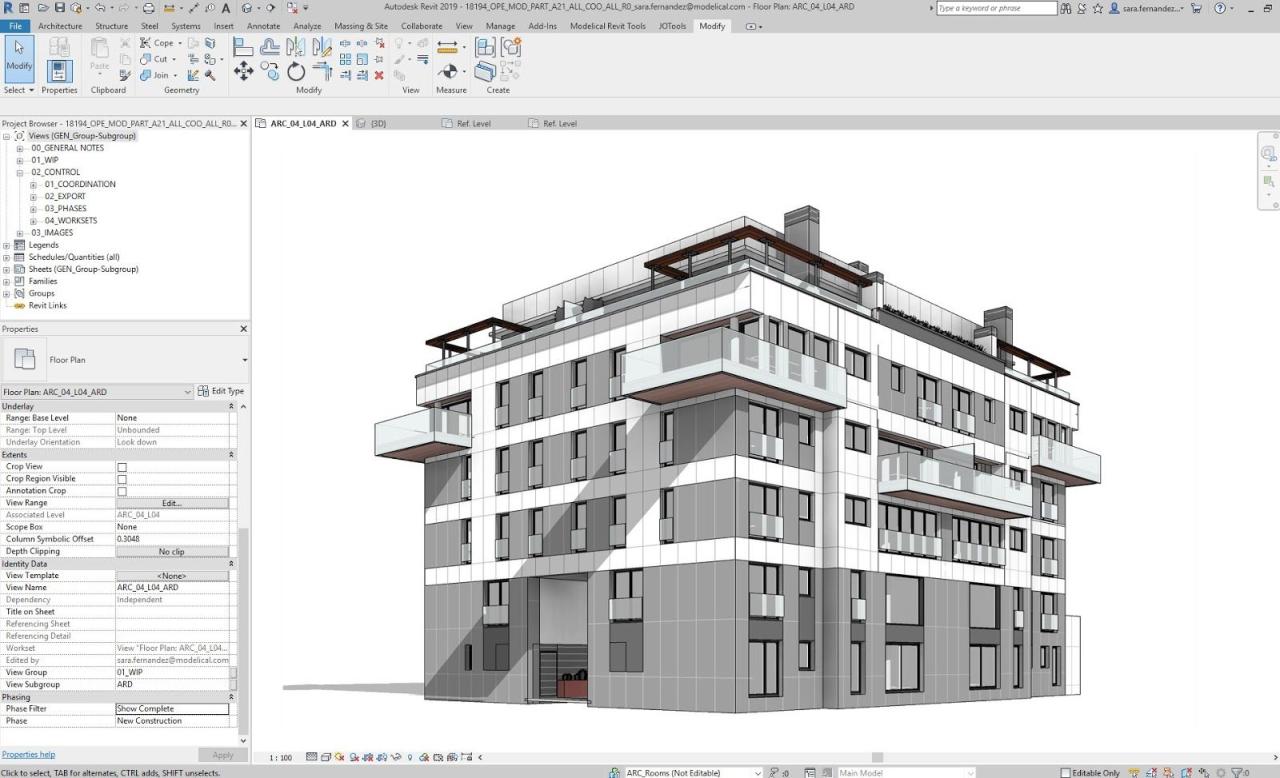
When it comes to architecture software designed for professionals, there are several key features and capabilities that set them apart and make them essential tools for architects. These software programs are equipped with advanced tools and functionalities that enable architects to create accurate designs and stunning visualizations efficiently.
Design Tools
- Intuitive interface that allows for easy creation and manipulation of design elements
- Advanced drawing tools for precise drafting and detailing
- Library of pre-built components and materials for quick design iterations
- Parametric design capabilities for creating complex geometries and patterns
3D Modeling
- Powerful 3D modeling tools for creating detailed and realistic architectural models
- Support for importing and exporting models in various formats for collaboration and visualization
- Ability to generate 3D views and walkthroughs for a more immersive design experience
- Parametric modeling features for easy editing and updating of designs
Rendering
- High-quality rendering engines for producing photorealistic images and animations
- Lighting and shading tools to enhance the visual appeal of architectural designs
- Material libraries for realistic representation of different building materials
- Post-processing effects for adding depth and realism to rendered images
User Interface and Ease of Use
When it comes to architecture software, the user interface plays a crucial role in determining how efficiently professionals can work. Let's delve into the user interface and ease of use of some of the top architecture software available in the market.
User Interface Design
The user interface of popular architecture software such as AutoCAD Architecture, Revit, and SketchUp Pro is designed to be intuitive and user-friendly. These software applications typically feature a clean layout with easily accessible tools and commands, making it easier for professionals to navigate through the program
Ease of Use and Learning Curve
In terms of ease of use, architecture software like SketchUp Pro is known for its simplicity and quick learning curve. Professionals can easily grasp the basic functions and start creating designs without extensive training. On the other hand, software like Revit may have a steeper learning curve due to its advanced features and capabilities, requiring more time and practice to master.
Customization Options and User Preferences
Most architecture software offers customization options that allow professionals to tailor the interface to their preferences. This includes the ability to rearrange toolbars, adjust settings, and create custom templates for projects. User preferences in software interfaces often vary based on individual workflows and design preferences, with some professionals preferring a minimalist layout while others opt for a more feature-rich interface.
Integration and Compatibility
When it comes to architecture software, integration and compatibility play a crucial role in the workflow of professionals. Let's explore how these tools seamlessly work with other programs and different operating systems/devices.
Integration with CAD Programs
Architecture software often integrates smoothly with CAD programs, allowing architects to transfer designs back and forth easily. This integration streamlines the design process and ensures consistency in the final output.
- Allows for easy import and export of CAD files
- Enables collaboration between architects and designers using different software
- Facilitates the creation of detailed 3D models based on CAD drawings
Compatibility with Operating Systems and Devices
Architecture software is designed to be compatible with a variety of operating systems and devices, ensuring flexibility for professionals to work on their preferred platforms. Whether on a Windows PC or a Mac laptop, architects can access their projects seamlessly.
- Supports Windows, Mac, and sometimes Linux operating systems
- Available on desktop, laptop, tablet, and mobile devices
- Cloud-based solutions for easy access from anywhere
Importance of Seamless Integration
Seamless integration of architecture software with other tools and compatibility across different platforms are essential for architecture professionals. It allows for a smooth workflow, efficient collaboration, and easy access to projects regardless of the device being used.
Efficient integration and compatibility ensure that architects can focus on design rather than dealing with technical issues.
Industry Standards and Best Practices
In the field of architecture, adhering to industry standards and best practices is crucial to ensuring the safety, quality, and compliance of architectural projects. Top architecture software plays a significant role in helping professionals meet these requirements effectively.
Alignment with Industry Standards
Top architecture software tools are designed to align with industry standards such as Building Information Modeling (BIM) requirements, sustainability guidelines, and accessibility regulations. By integrating these standards into the software, professionals can easily ensure that their designs meet the necessary criteria.
Leveraging Software for Regulatory Compliance
Professionals can leverage architecture software to streamline the process of meeting regulatory requirements and standards. For example, these tools provide features for automated code checking, ensuring that designs comply with building codes and regulations. This not only saves time but also minimizes the risk of errors and non-compliance.
Assistance in Maintaining Quality and Compliance
Architecture software tools offer functionalities for quality control and compliance monitoring throughout the project lifecycle. Professionals can use these tools to conduct virtual inspections, perform clash detection, and generate accurate documentation to ensure that projects meet the required standards. By utilizing software, architects can maintain high levels of quality and compliance in their work.
User Queries
How do architecture software enhance the workflow of professionals?
Architecture software streamlines design processes, improves collaboration, and enables accurate visualizations, thereby enhancing the overall productivity of professionals.
What are the key features that make architecture software ideal for professionals?
Key features include advanced design tools, 3D modeling capabilities, rendering options, and integration with other programs, all geared towards facilitating efficient project execution.
Is there a learning curve associated with popular architecture software?
While some software may have a learning curve, most architecture tools offer user-friendly interfaces and customization options to accommodate professionals of varying skill levels.